Jitter
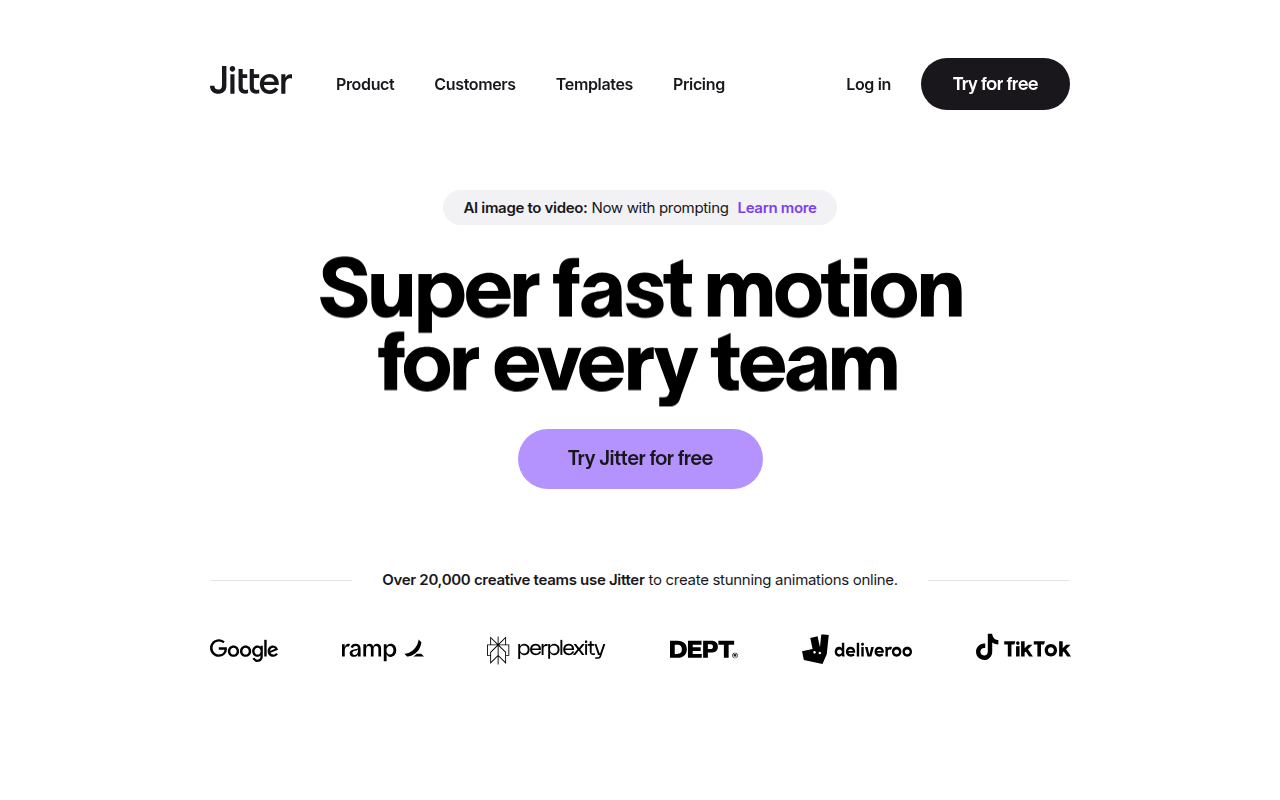
Create professional motion design animations right in your browser.
Need an MVP like Jitter?
We'll build it in less than 7 days. Book a free discovery call with Tiny Startup Studio.
Book free discovery call →Quick summary of Jitter
Jitter (jitter.video) is a modern web-based motion design tool — 'motion design made simple' positioning making it one of the leading browser-based alternatives to After Effects (the long-dominant motion graphics standard). Browser-based motion design environment with timeline + keyframe + easing controls familiar to After Effects users, support for vector + raster animation, text animation, particle effects, real-time preview, export to MP4 + GIF + Lottie + WebM formats, collaborative editing via web (multi-cursor + comments — features After Effects doesn't natively offer), pre-made templates + animation presets for common needs (logo animations, social media motion, presentation animations), Figma plugin for importing designs directly into Jitter for animation, possible AI-assisted animation features. Sits in the motion design category alongside Fable (covered earlier — also browser-based modern After Effects challenger with similar positioning + functionality + pricing — pick on UI preference + specific feature differences), Rive (interactive runtime animation + control for products + games with motion responding to user input + state changes), Lottie + LottieFiles (animation distribution + management layer for Lottie format specifically), After Effects by Adobe (industry-standard heavyweight ~$23/mo Creative Cloud with deepest feature set + plugin ecosystem + decades of resources for professional motion graphics), and various 3D-leaning tools (Spline, Cavalry). Distinguished from After Effects (heavyweight industry standard) by browser-based + collaborative + simpler UI positioning, distinguished from Fable (closest direct competitor — also browser-based After Effects challenger with similar positioning) by specific UI + feature differences requiring direct comparison, distinguished from Rive (interactive runtime animation for products + games responding to user input) by traditional timeline-keyframe focus vs interactive runtime focus, distinguished from Lottie + LottieFiles (distribution layer for Lottie format) by full motion design environment vs distribution focus, distinguished from Spline + Cavalry (3D-leaning motion tools) by 2D motion focus. Typically freemium pricing — free tier for occasional use + paid Pro tier (~$15-40/mo or annual) for unlimited projects + advanced features + commercial use; verify on jitter.video. Best for designers adding motion to landing pages (hero animations + scroll-triggered transitions + section reveals) without leaving browser or learning After Effects, marketing teams + content creators making animated social media posts + ads + stories without committing to After Effects, brand designers animating logos + brand elements for video intros + brand reveals without scaling After Effects learning curve, and teams collaborating on motion design via web with multi-cursor editing + comments that After Effects doesn't natively offer. Skip for professional motion graphics for film/TV/advertising (After Effects still wins for industry-standard depth + plugin ecosystem + workflows), interactive runtime animations responding to user input + state (Rive is purpose-built for that category), product UI motion specifically for design system handoff (Framer's built-in animations or Lottie are typically better fits), or complex motion work requiring After Effects plugin ecosystem (third-party plugins matter for serious work). One of the leading browser-based After Effects challengers in 2026 alongside Fable — motion design tooling is being disrupted by modern web-based alternatives; for designers doing occasional motion work + landing-page motion + social media animation Jitter is genuinely useful + modern; for deep professional motion graphics After Effects still wins. Try both Jitter + Fable to see which UI you prefer for the modern browser-based motion workflow.
⏱ 30-second verdict
About
Jitter is a browser-based motion design tool that lets you create animated UI mockups, social media content, and marketing videos without learning After Effects. It features a familiar timeline editor, pre-built animations, and direct export to MP4, GIF, or Lottie formats.
🎯 Why it's useful
Perfect for founders who need polished product demos, animated social ads, or app store preview videos without hiring a motion designer or learning complex software.
💜 Our take
It feels like Figma met After Effects and had a much friendlier baby. The learning curve is surprisingly gentle for what you can actually produce.
How indie founders use Jitter
Landing page motion
Designers adding motion to landing pages — hero animations + scroll-triggered transitions + section reveals — without leaving the browser or learning After Effects.
Social media motion
Marketing teams + content creators making animated social media posts + ads + stories without committing to After Effects.
Logo + brand animations
Brand designers animating logos + brand elements for video intros + brand reveals without scaling After Effects learning curve.
Collaborative motion projects
Teams collaborating on motion design via web — multi-cursor editing + comments — features After Effects doesn't natively offer.
Jitter (jitter.video) is a modern web-based motion design tool — 'motion design made simple' positioning making it one of the leading browser-based alternatives to After Effects (the long-dominant motion graphics standard). Sits in the motion design category alongside Fable (covered earlier — also browser-based modern After Effects challenger), Rive (interactive runtime animation), Lottie + LottieFiles (animation distribution), After Effects (Adobe heavyweight), and various 3D-leaning tools (Spline, Cavalry). What you get: browser-based motion design environment with timeline + keyframe + easing controls familiar to After Effects users, support for vector + raster animation, text animation, particle effects, real-time preview, export to MP4 + GIF + Lottie + WebM formats, collaborative editing via web (multi-cursor + comments — features After Effects doesn't natively offer), pre-made templates + animation presets for common needs (logo animations, social media motion, presentation animations), Figma plugin for importing designs directly into Jitter for animation, possible AI-assisted animation features. The UI is designed for designers who think 'motion' rather than the deep technical UI After Effects has accumulated over 30 years. Where Jitter fits in the motion design landscape: Fable + Jitter are the two leading 'browser-based After Effects challenger' tools — similar positioning + similar functionality + similar pricing. Pick on UI preference + feature differences. After Effects (Adobe) remains the heavyweight industry standard with deepest feature set + plugin ecosystem + decades of resources for professional motion graphics. Rive specializes in interactive runtime animation + control for products + games. Lottie + LottieFiles is the distribution + management layer for Lottie format specifically. Jitter sits in the 'I want After Effects-like control without the complexity + want to collaborate via the web' niche. Where it's not for you: if you do professional motion graphics for film + TV + advertising, you stay on After Effects — the depth + plugin ecosystem + industry workflows aren't replaceable. If you need interactive runtime animations responding to user input + state, Rive is purpose-built. If you need product UI motion specifically for design system handoff, Framer's built-in animations or Lottie are typically the answer. Jitter + Fable are for the 'browser-based modern After Effects challenger' niche — pick based on which UI + features fit your workflow. Pricing: typically freemium for browser-based design tools — free tier for occasional use + paid Pro tier (~$15-40/mo or annual) for unlimited projects + advanced features + commercial use. Verify on jitter.video. Honest take: motion design tooling is being disrupted by browser-based modern alternatives + Jitter is one of the leading contenders. For designers doing occasional motion work + landing-page motion + social media animation, Jitter is genuinely useful + modern. For deep professional motion graphics, After Effects still wins. Worth trying Jitter alongside Fable to see which UI you prefer.
Pricing
Free
- ✓Limited projects + exports
- ✓Basic motion design features
- ✓Browser-based — no install
- ✓Verify free tier on jitter.video
Pro
- ✓Unlimited projects + exports
- ✓Advanced animation features
- ✓Collaboration features
- ✓Commercial use
- ✓Higher-quality exports
- ✓Verify current pricing on jitter.video
Free plan available · Pro $19/mo · Team $38/user/mo
Frequently asked questions
Is Jitter free?
Typically freemium for browser-based design tools — free tier for occasional use with limits + paid Pro tier (~$15-40/mo or annual) for unlimited projects + advanced features + commercial use. Verify current pricing on jitter.video.
Jitter vs After Effects?
After Effects (Adobe ~$23/mo Creative Cloud) remains the industry-standard heavyweight with deepest feature set + plugin ecosystem + decades of resources for professional motion graphics. Jitter is browser-based + collaborative + simpler UI for designers who want After Effects-like control without complexity. Pick After Effects for professional film/TV/advertising work; Jitter for occasional motion + landing-page animations + collaborative workflows.
Jitter vs Fable?
Both 'browser-based After Effects challenger' tools with similar positioning + functionality + pricing. Pick on UI preference + specific feature differences (template variety, ease of specific animation patterns, collaboration features). Try both to see which fits your workflow.
Jitter vs Rive?
Rive specializes in interactive runtime animation for products + games (motion responding to user input + state changes). Jitter is traditional timeline-keyframe motion design. Different categories — use Rive for interactive runtime animation; Jitter for traditional motion graphics + video output.
Can I import Figma designs into Jitter?
Jitter has Figma plugin for importing designs directly into Jitter for animation — useful workflow for designers who design in Figma + want to animate in Jitter without recreating designs.
Reviews
No reviews yet — be the first.
Tools like Jitter
See all Design →Figma
The browser-based design tool everyone uses.
Webflow
No-code site builder that produces real CSS.
Yellow Images
The Largest Collection of PSD Mockups on the Internet!
Wise
The design system of Wise.
Who Can Use
A tool to show how color contrast can affect different people with visual impairments.
Websitevice
Website design examples for inspiration that get results instead of awards