Tiny Startups

Explore

🏠 Home📊 Domain Rating⚡ Alternatives🌟 Startup of the Day🎧 Startups.fm💡 2,700+ Startup Ideas
← All comparisons

Design comparison

FigmavsTypeface

Two of the best design tools, compared side-by-side. Here’s how each one stacks up.

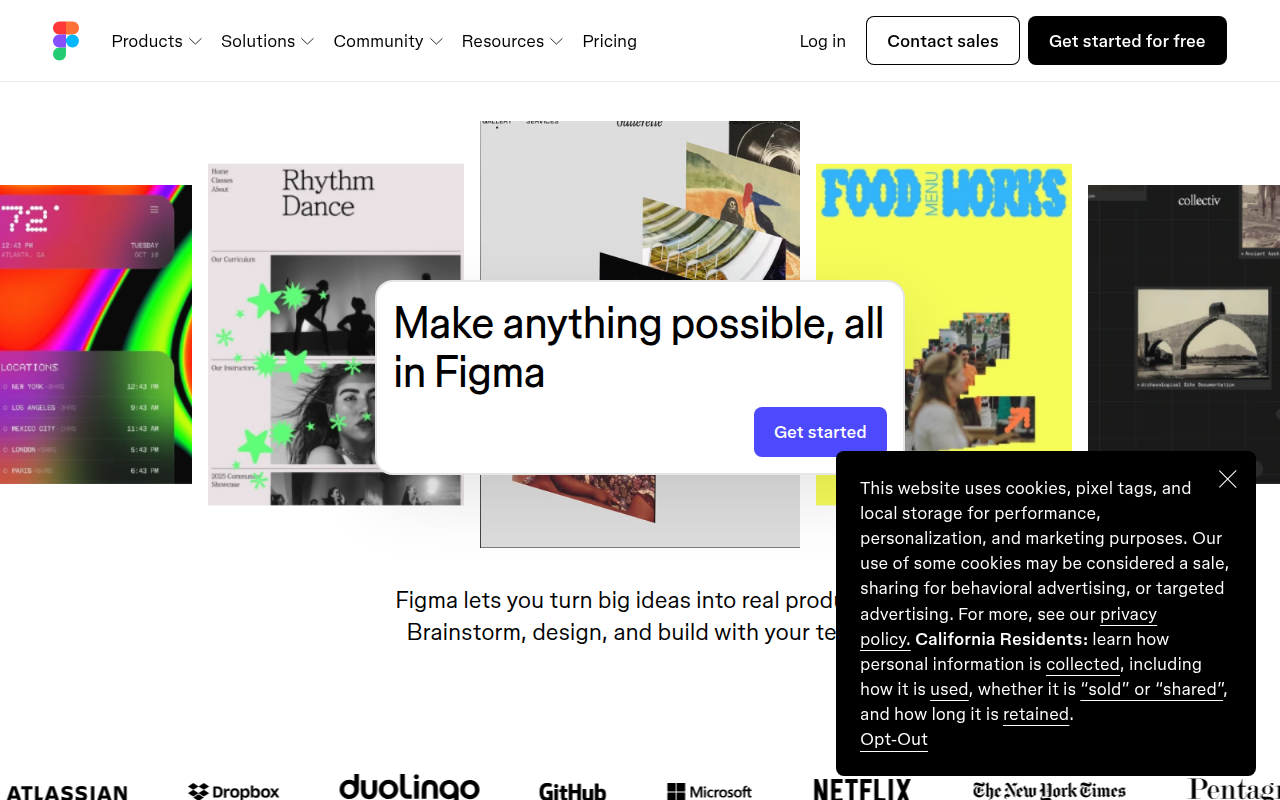
Figma preview

Figma

The browser-based design tool everyone uses.

DesignFreemium★ Editor’s Pick

🎯 Why it’s useful

Universal lingua franca for design. Every designer you hire already knows it.

💜 Why we like it

Auto Layout + Variables make design tokens that actually work for engineers.

Typeface preview

Typeface

Beautiful font manager for Mac to preview and organize your fonts.

DesignPaid

🎯 Why it’s useful

When you're building landing pages or brand assets, Typeface helps you quickly find the right font from your collection without activating everything and slowing down your system.

💜 Why we like it

The visual-first interface makes browsing fonts actually enjoyable, and the temporary activation feature is clutch for trying fonts without cluttering your system.

At a glance

FigmaTypeface
PricingFreemiumPaid
CategoryDesignDesign
Editor’s Pick★ Yes
TaglineThe browser-based design tool everyone uses.Beautiful font manager for Mac to preview and organize your fonts.
Websitefigma.comtypefaceapp.com

We make no money when you click through to either tool unless an affiliate link is in place — disclosed on the individual tool page.