Tiny Startups

Explore

🏠 Home📊 Domain Rating⚡ Alternatives🌟 Startup of the Day🎧 Startups.fm💡 2,700+ Startup Ideas
← All comparisons

Design comparison

FigmavsShots

Two of the best design tools, compared side-by-side. Here’s how each one stacks up.

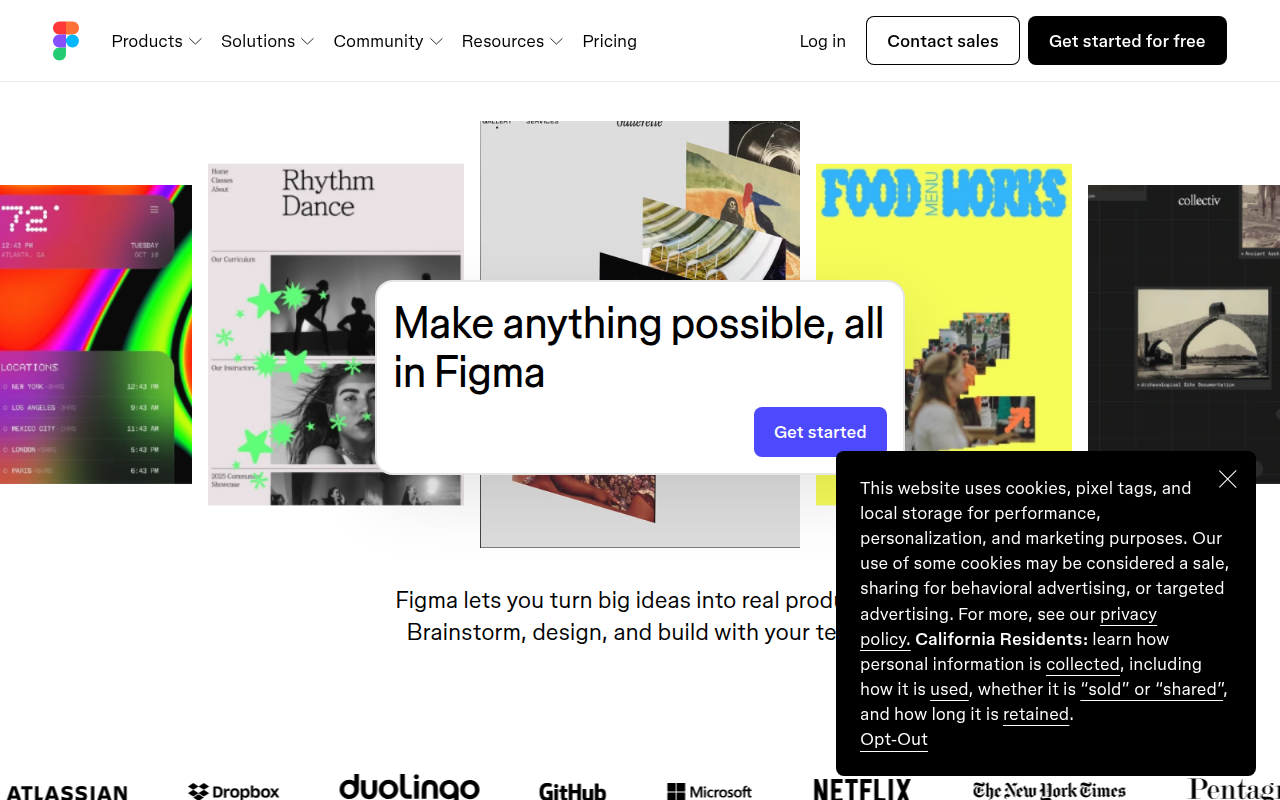
Figma preview

Figma

The browser-based design tool everyone uses.

DesignFreemium★ Editor’s Pick

🎯 Why it’s useful

Universal lingua franca for design. Every designer you hire already knows it.

💜 Why we like it

Auto Layout + Variables make design tokens that actually work for engineers.
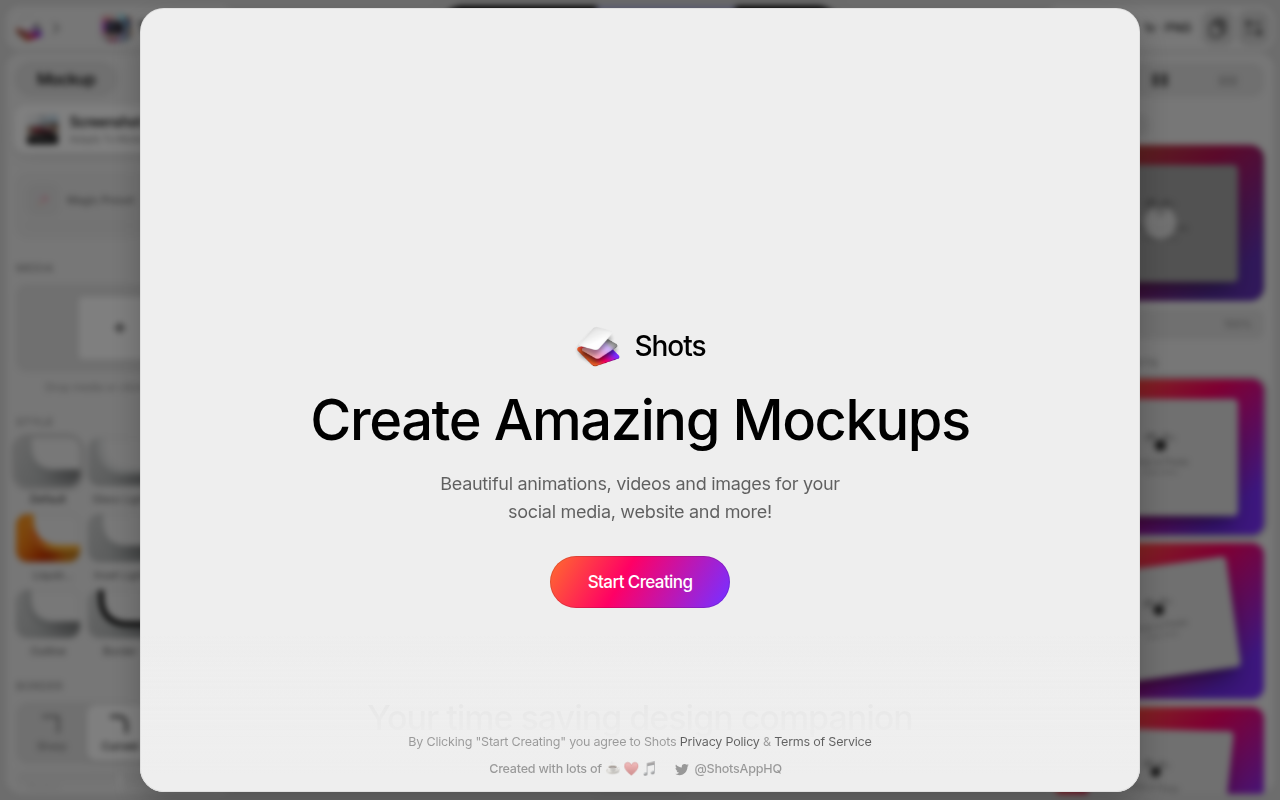
Shots preview

Shots

Create stunning mockups for your app screenshots in seconds.

DesignFreemium

🎯 Why it’s useful

Perfect for founders who need professional-looking App Store screenshots, social media posts, or pitch deck visuals without hiring a designer or learning complex software.

💜 Why we like it

It's ridiculously fast and the presets look genuinely good out of the box. No sign-up required to start creating — just drag, drop, and export.

At a glance

FigmaShots
PricingFreemiumFreemium
CategoryDesignDesign
Editor’s Pick★ Yes
TaglineThe browser-based design tool everyone uses.Create stunning mockups for your app screenshots in seconds.
Websitefigma.comshots.so

We make no money when you click through to either tool unless an affiliate link is in place — disclosed on the individual tool page.