Tiny Startups

Explore

🏠 Home✨ Swipe Mode🎁 Exclusive Deals🛠 Tools⚡ Alternatives🌟 Startup of the Day🔄 Buy & Sell Startups
← All comparisons

Design comparison

FigmavsShoot.Design

Two of the best design tools, compared side-by-side. Here’s how each one stacks up.

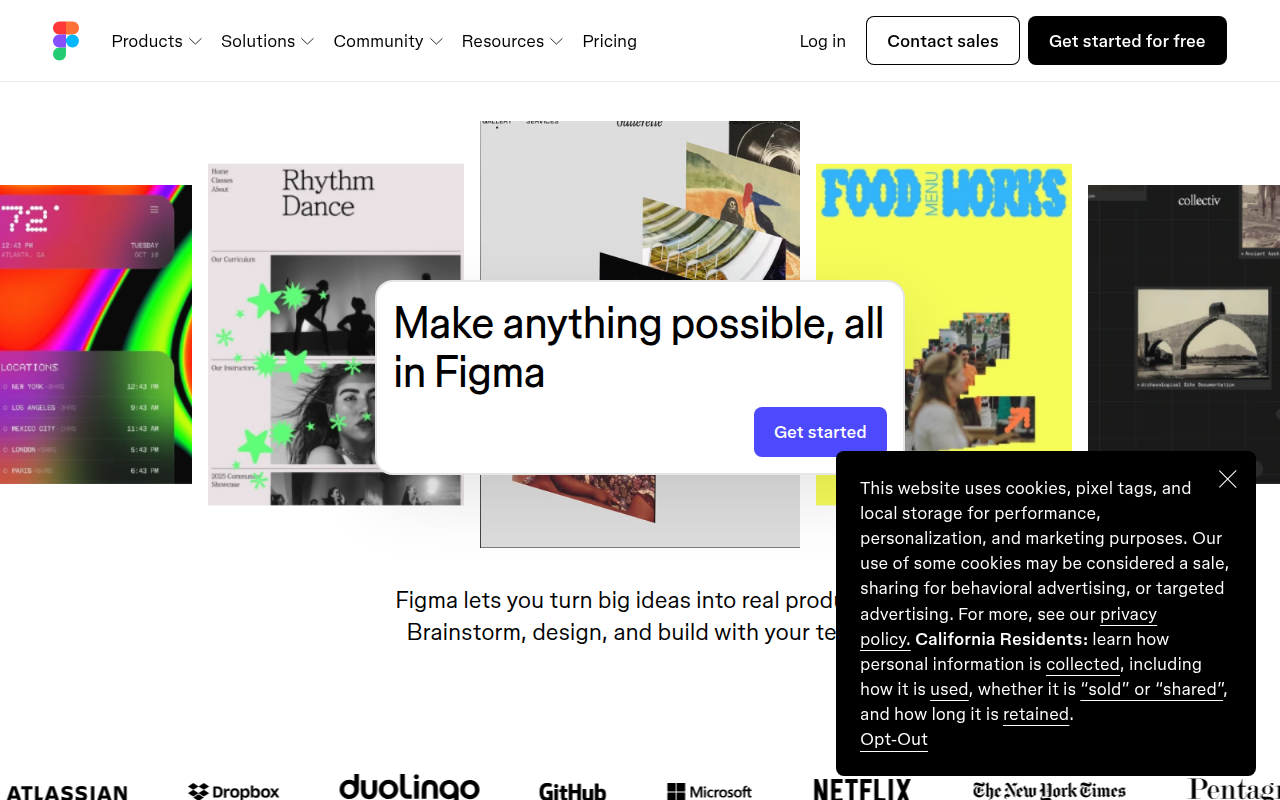
Figma preview

Figma

The browser-based design tool everyone uses.

DesignFreemium★ Editor’s Pick

🎯 Why it’s useful

Universal lingua franca for design. Every designer you hire already knows it.

💜 Why we like it

Auto Layout + Variables make design tokens that actually work for engineers.
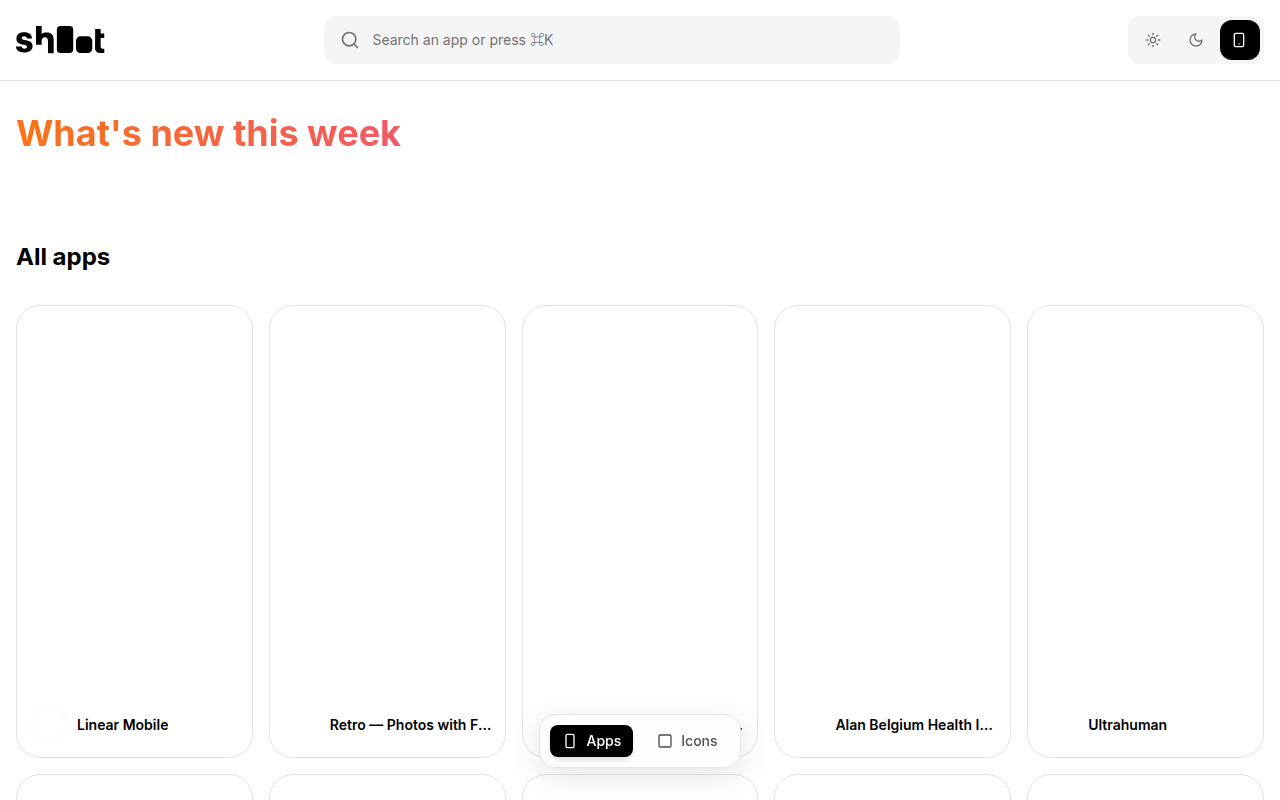
Shoot.Design preview

Shoot.Design

Browse thousands of real product screenshots for design inspiration.

DesignFreemium

🎯 Why it’s useful

When you're designing a new feature or page, quickly find real-world examples of how top products handle similar UI challenges instead of starting from scratch.

💜 Why we like it

It's like having a massive swipe file that's actually organized. Super helpful when you need to show a designer 'something like this' or want to see how others solved a specific UI problem.

At a glance

FigmaShoot.Design
PricingFreemiumFreemium
CategoryDesignDesign
Editor’s Pick★ Yes
TaglineThe browser-based design tool everyone uses.Browse thousands of real product screenshots for design inspiration.
Websitefigma.comshoot.design

We make no money when you click through to either tool unless an affiliate link is in place — disclosed on the individual tool page.