Tiny Startups

Explore

🏠 Home✨ Swipe Mode🎁 Exclusive Deals🛠 Tools⚡ Alternatives🌟 Startup of the Day🔄 Buy & Sell Startups
← All comparisons

Design comparison

FigmavsSeeSaw

Two of the best design tools, compared side-by-side. Here’s how each one stacks up.

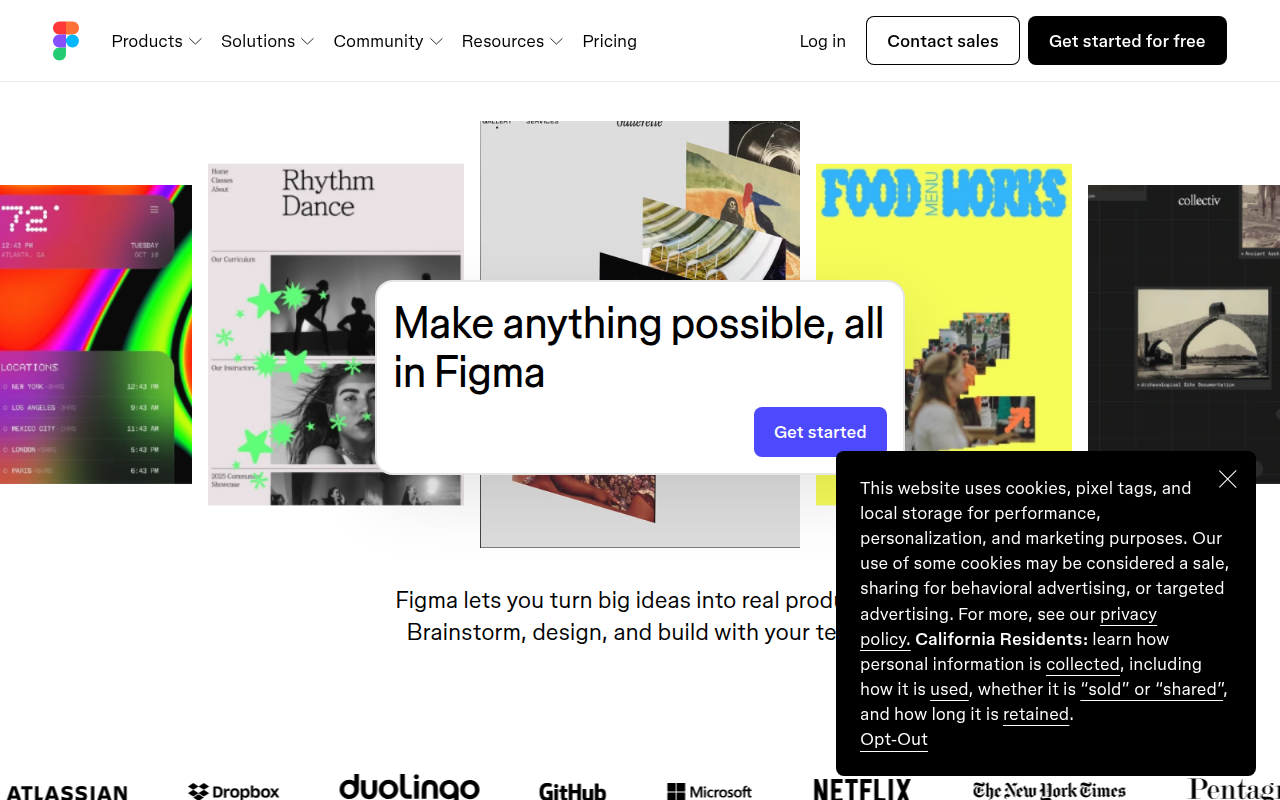
Figma preview

Figma

The browser-based design tool everyone uses.

DesignFreemium★ Editor’s Pick

🎯 Why it’s useful

Universal lingua franca for design. Every designer you hire already knows it.

💜 Why we like it

Auto Layout + Variables make design tokens that actually work for engineers.
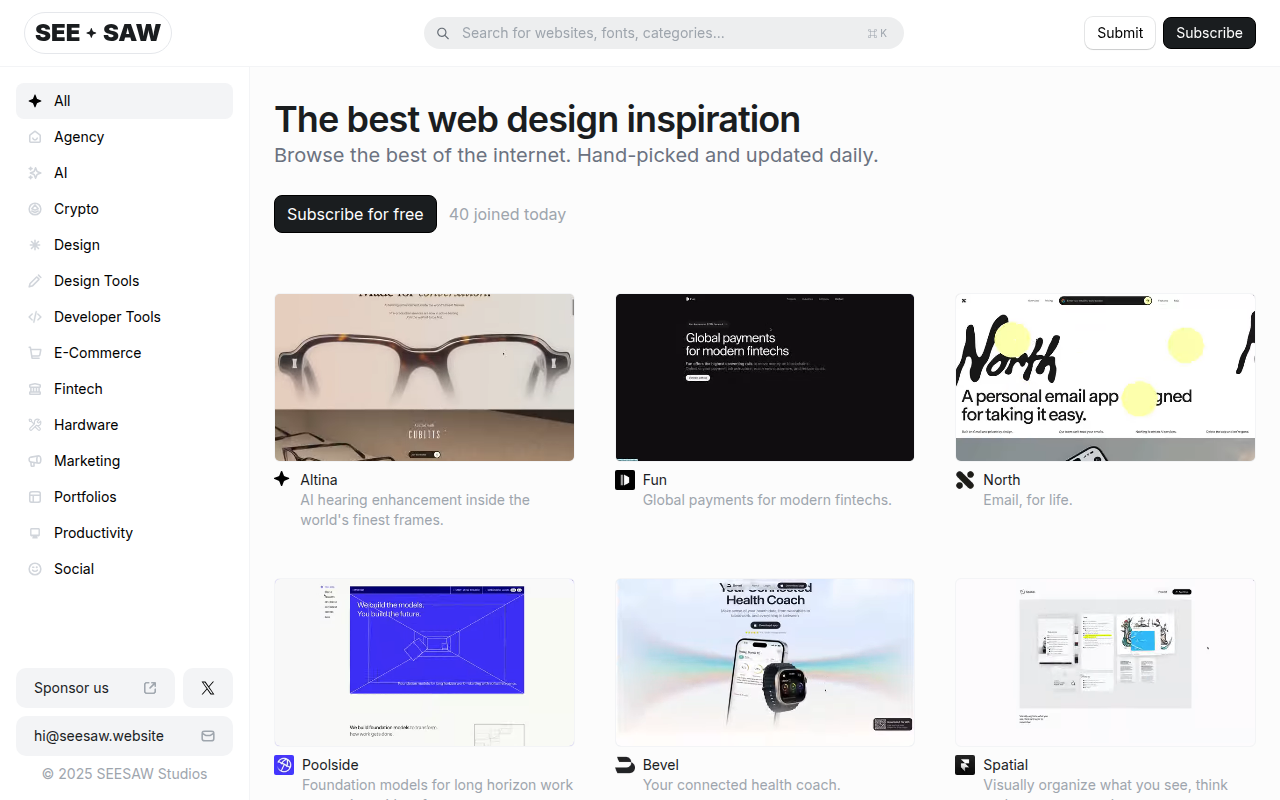
SeeSaw preview

SeeSaw

Compare website designs side by side with visual A/B testing.

DesignFreemium

🎯 Why it’s useful

Founders can use it to get stakeholder feedback on design options quickly, or showcase redesign progress to investors and team members with clear visual proof.

💜 Why we like it

Dead simple concept executed well — no more awkward screenshot attachments or 'look at the left side, now look at the right side' explanations. The swipe interaction just makes sense.

At a glance

FigmaSeeSaw
PricingFreemiumFreemium
CategoryDesignDesign
Editor’s Pick★ Yes
TaglineThe browser-based design tool everyone uses.Compare website designs side by side with visual A/B testing.
Websitefigma.comseesaw.website

We make no money when you click through to either tool unless an affiliate link is in place — disclosed on the individual tool page.