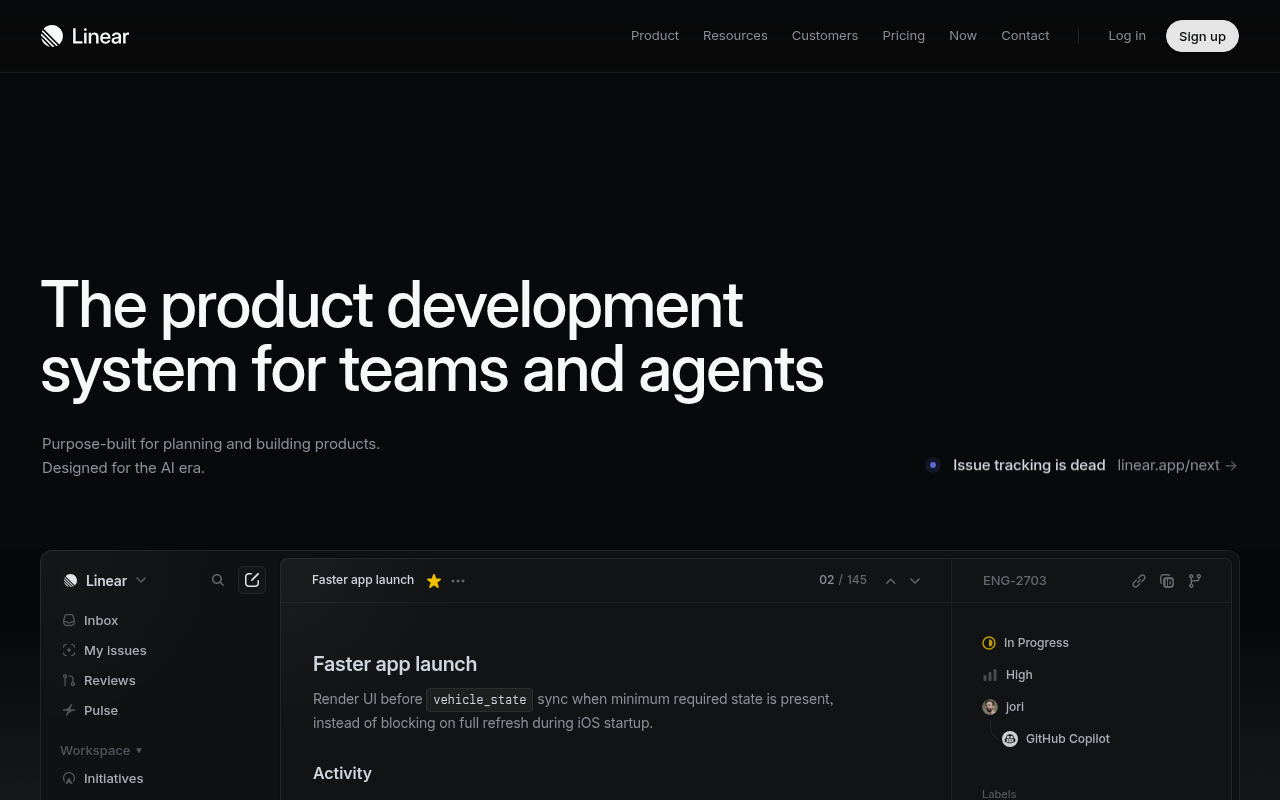
Linear
FreemiumIssue tracking that respects your time.
🎯 Why it’s useful
Jira at a tenth the friction. The triage workflow alone saves a PM half a day per week.
💜 Why we like it
Every feature has a keyboard shortcut. Nothing else feels this snappy.
Productivity comparison
TL;DR
Linear and Notion solve different problems, so most teams never actually have to choose: Linear tracks the engineering work, Notion holds the docs, and both free tiers are generous enough to run together. If you do have to pick one, pick Linear when your team ships software every week and sprints are real, and pick Notion when the bigger problem is notes, specs, and knowledge scattered across five other tools.
Issue tracking that respects your time.
🎯 Why it’s useful
Jira at a tenth the friction. The triage workflow alone saves a PM half a day per week.
💜 Why we like it
Every feature has a keyboard shortcut. Nothing else feels this snappy.
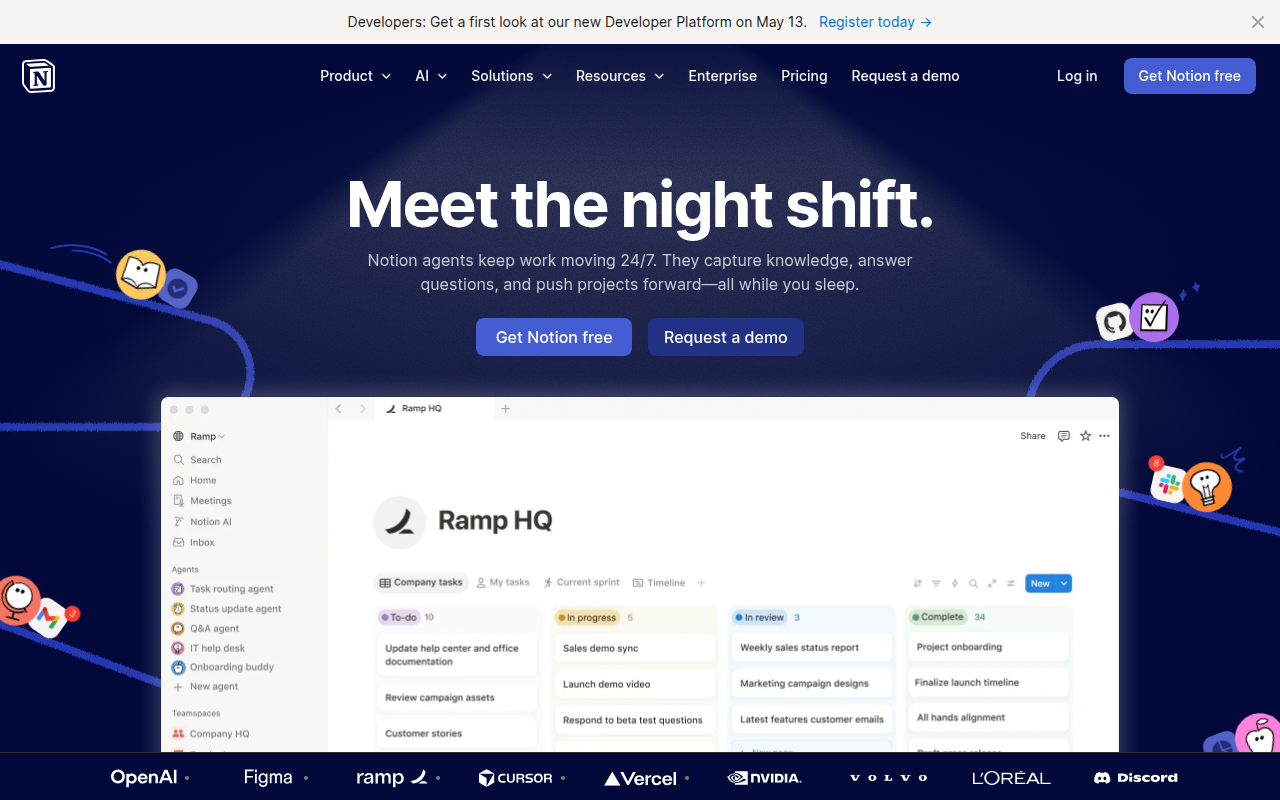
The all-in-one workspace for notes, docs, and projects.
🎯 Why it’s useful
Replaces Confluence + Trello + Google Docs + Airtable for many teams. Cheap to start, scales surprisingly well.
💜 Why we like it
You can be productive on day one without reading docs. The keyboard shortcuts are world-class.
| Linear | Notion | |
|---|---|---|
| Core job | Issue tracking & sprint planning for software teams | Docs, wikis, and flexible databases for everything else |
| Speed & feel | Keyboard-first, instant, opinionated | Flexible and calm; heavier as pages and databases grow |
| Engineering workflow | Cycles, triage, Git/GitHub integration, roadmaps built in | Possible with databases, but you're building it yourself |
| Knowledge base | Not what it's for | Best-in-class — this is Notion's home turf |
| Learning curve | Low — the opinions do the onboarding | Low to start, real investment to structure well |
| Typical setup | Linear for the work | Notion for the words — most good teams run both |
| Pricing | Freemium | Freemium |
| Website | linear.app ↗ | notion.so ↗ |
Linear vs Notion is one of the most-searched tool matchups in startup land, and it's built on a misunderstanding: they aren't really competitors. Linear is a dedicated issue tracker — a fast, opinionated system for planning and shipping software. Notion is a flexible workspace — docs, wikis, and databases you can shape into almost anything, including a project tracker. They do different jobs, and most teams that love one end up running both.
The confusion exists because both can hold a task list, and early teams want one tool instead of two. That works right up until it doesn't: a Notion board with fifty tickets is fine; a Notion board where an engineering team runs sprints, triage, and releases starts to creak. Meanwhile nobody has ever successfully run their company wiki inside Linear — it doesn't want to be that, on purpose.
For a team of 2–5 shipping casually, yes — a Notion board is fine. Beyond that, engineering teams consistently migrate to a dedicated tracker: Notion lacks Linear's cycles, triage flow, Git automation, and speed, and maintaining your own project system becomes its own project. If sprints, estimates, and release management are real needs, use Linear.
No, and it doesn't try to. Linear has project documents and rich issue descriptions, but it is not a wiki or knowledge base. Company handbooks, meeting notes, PRDs, and cross-functional docs belong in Notion (or an equivalent). The most common stack among startups we list is exactly this split: Linear for issues, Notion for documents.
Yes. Linear issues can be linked and previewed inside Notion pages, and both tools integrate with Slack and GitHub, so most teams wire them into the same workflow: spec in Notion, tickets in Linear, updates in Slack.
Both have generous free tiers, and a small team can genuinely run on free plans of both simultaneously — which is also the setup we'd recommend trying before paying for either. Costs only diverge at scale, where you're paying per seat for each; at that point you're paying for two different jobs, not the same one twice.
We make no money when you click through to either tool unless an affiliate link is in place — disclosed on the individual tool page.