Tiny Startups

Explore

🏠 Home🎁 Refer & earn⚡ Alternatives🌟 Startup of the Day🔄 Buy & Sell Startups🎧 Startups.fm💡 2,700+ Startup Ideas
← All comparisons

Design comparison

FigmavsHandy Arrows

Two of the best design tools, compared side-by-side. Here’s how each one stacks up.

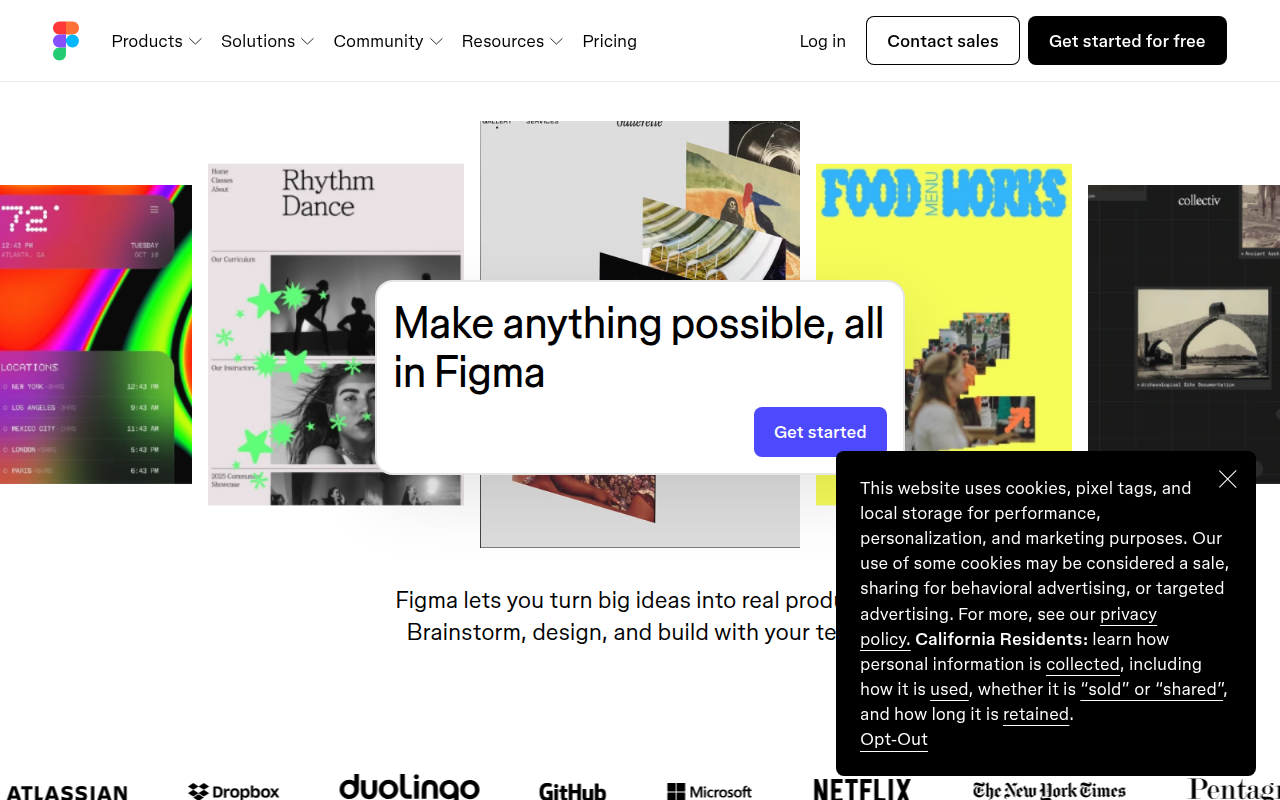
Figma preview

Figma

The browser-based design tool everyone uses.

DesignFreemium★ Editor’s Pick

🎯 Why it’s useful

Universal lingua franca for design. Every designer you hire already knows it.

💜 Why we like it

Auto Layout + Variables make design tokens that actually work for engineers.
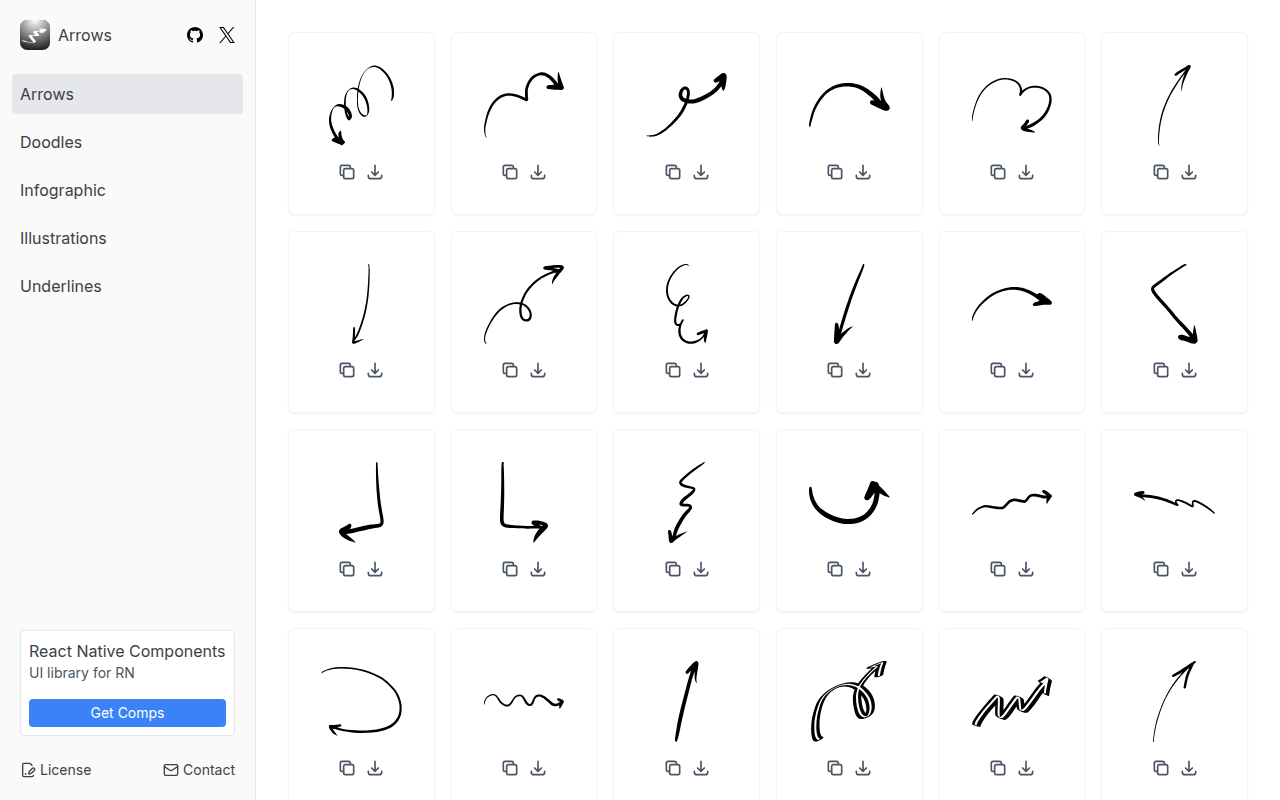
Handy Arrows preview

Handy Arrows

Hand-drawn arrow illustrations for your design projects.

DesignPaid

🎯 Why it’s useful

When you need to draw attention to CTAs, pricing tables, or key features on your landing page, these hand-drawn arrows add a human touch that feels more engaging than generic icons.

💜 Why we like it

They're those charming 'look here!' arrows that make landing pages feel less corporate and more approachable. Super easy to drop into any project.

At a glance

FigmaHandy Arrows
PricingFreemiumPaid
CategoryDesignDesign
Editor’s Pick★ Yes
TaglineThe browser-based design tool everyone uses.Hand-drawn arrow illustrations for your design projects.
Websitefigma.comhandyarrows.com

We make no money when you click through to either tool unless an affiliate link is in place — disclosed on the individual tool page.