
Tiny Startups

Explore

🏠 Home📊 Domain Rating⚡ Alternatives🌟 Startup of the Day🎧 Startups.fm💡 2,700+ Startup Ideas
← All comparisons

Productivity comparison

Cal.comvsNotion

Two of the best productivity tools, compared side-by-side. Here’s how each one stacks up.

Cal.com preview

Cal.com

Open-source scheduling, infinitely flexible.

ProductivityFreemium

🎯 Why it’s useful

The free tier covers everything most founders need. Self-hostable when you outgrow shared infrastructure.

💜 Why we like it

The routing forms — "this lead → this CSM" — make it usable as a real go-to-market tool, not just a personal scheduler.
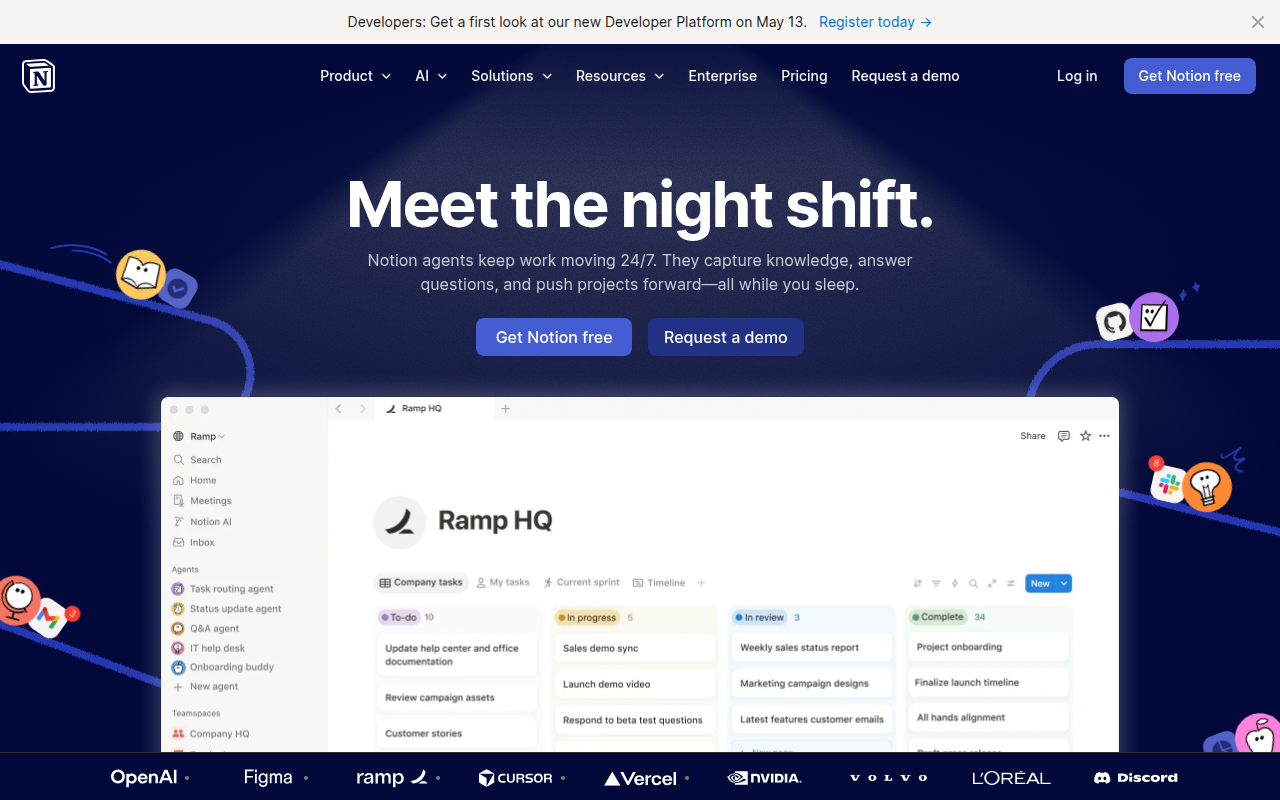
Notion preview

Notion

The all-in-one workspace for notes, docs, and projects.

ProductivityFreemium★ Editor’s Pick

🎯 Why it’s useful

Replaces Confluence + Trello + Google Docs + Airtable for many teams. Cheap to start, scales surprisingly well.

💜 Why we like it

You can be productive on day one without reading docs. The keyboard shortcuts are world-class.

At a glance

Cal.comNotion
PricingFreemiumFreemium
CategoryProductivityProductivity
Editor’s Pick★ Yes
TaglineOpen-source scheduling, infinitely flexible.The all-in-one workspace for notes, docs, and projects.
Websitecal.comnotion.so

We make no money when you click through to either tool unless an affiliate link is in place — disclosed on the individual tool page.