Collection №15 — Updated 9 August 2026
The 5 best no-code automation tools in 2026
All five do the same core job: a signup happens in one app, and the right things happen in Slack, your CRM, and your email tool without any glue code. They differ on how much complexity a workflow can carry before the builder fights you, and on whether it runs in a vendor's cloud or on your own server. Hosted tools start faster. Self-hosted ones cost less at volume and keep the data with you.
| Tool | Type | Cost | Verdict |
|---|---|---|---|
| Automation platform | Free | ★ Best overall | |
| Visual automation | Free | Best for complex workflows | |
| Self-hosted automation | Free | Best for technical teams | |
| Open-source automation | Free | Best open source | |
| Human-in-the-loop automation | Free trial | Best for approval steps |
Zapier
★ Best overallThe default choice: most apps, fastest setup
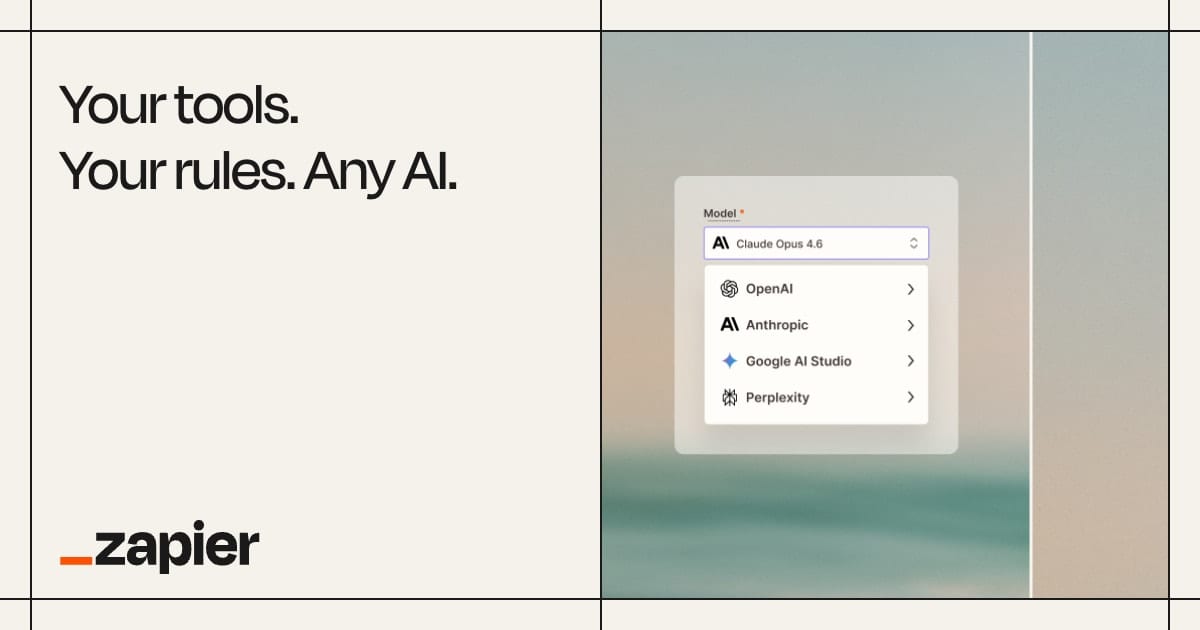
It connects more apps than anything else here, and the plain trigger-then-steps editor means signup-to-Slack-and-CRM takes minutes to build. Billing is per task, so a busy automation gets expensive. Start here unless you already know your flows will branch.
Visit ZapierMake
Best for complex workflowsA visual canvas for workflows too branchy for Zapier

Workflows are drawn on a canvas, and you can watch data move through every module as a run happens. Branching, loops, and error routes that would take several Zaps fit in one scenario, and runs cost less. Expect to spend an afternoon learning it rather than ten minutes.
Visit Maken8n
Best for technical teamsSelf-hosted workflow automation with code when you need it

A node-based editor you can run on your own server, so customer data stays on your infrastructure and nothing meters your executions. When an integration is missing, a code step fills the gap. If nobody on the team writes JavaScript, pick something else from this list.
Visit n8nActivepieces
Best open sourceAn open-source Zapier alternative simple enough for non-developers
Open source, with a builder that feels like Zapier rather than a developer tool: pick a trigger and stack the steps. Run it on your own server for free or use the hosted version. The integration catalog is smaller than Zapier's or Make's, so check your apps are covered first.
Visit ActivepiecesRelay.app
Best for approval stepsAutomations that pause for a human before the next step

Automation with people in the loop: a workflow can pause, wait for someone to approve or add input, then continue. That fits jobs where a message should be checked before it goes out. AI steps for drafting and summarising come built in, and the app catalog is smaller than Zapier's.
Visit Relay.appFrequently asked questions
What is the best free alternative to Zapier?
Make is the closest free swap: its free plan is enough to run a couple of small automations, and the builder handles branching that Zapier spreads across multiple Zaps. If you can run a server, n8n and Activepieces cost nothing to self-host and put no meter on executions. Activepieces is the easier of the two for a non-technical team.
What is the difference between Zapier and Make?
Zapier builds workflows as a straight line of steps and connects more apps than Make, which makes it the fastest to set up. Make draws workflows on a visual canvas, so branches, loops, and error handling live in one place, and it tends to cost less as volume grows. Pick Zapier for speed and app coverage, Make for complicated flows.
Is n8n free?
The self-hosted version is free: you can run n8n on your own server at no charge, with no cap on workflow executions, and that is how many small teams use it. n8n Cloud, the hosted version, is a paid subscription. Activepieces follows the same pattern, with a free self-hosted edition alongside its cloud plans.