Collection №02 — Updated 4 August 2026
The 5 best AI notetakers in 2026
Transcription quality stopped being the deciding factor years ago. Everyone is good enough. What still differs is whether a bot appears in your meeting, and where the notes land afterwards.
| Tool | Type | Cost | Verdict |
|---|---|---|---|
| Botless notepad | Free | ★ Best overall | |
| Bot notetaker | Free | Best free plan | |
| Bot notetaker | Free | Best integrations | |
| Live transcription | Free | Best for in-person | |
| Bot notetaker | Free | Best for research |
Granola
★ Best overallCaptures the meeting without putting a bot in the room
It listens through your computer audio, so nothing called "AI Assistant" appears in the participant list. That is a bigger deal than it sounds when the person on the other end is a customer or a candidate. You type rough notes during the call and it tidies them up afterwards.
Visit GranolaFathom
Best free planUnlimited recordings and summaries on a free plan
The free plan is the outlier here: unlimited recordings and AI summaries, with no monthly minute cap. That is how it spread through sales teams by word of mouth. Paid tiers add CRM sync and coaching metrics.
Visit FathomFireflies.ai
Best integrationsPushes notes and action items into the tools you already use
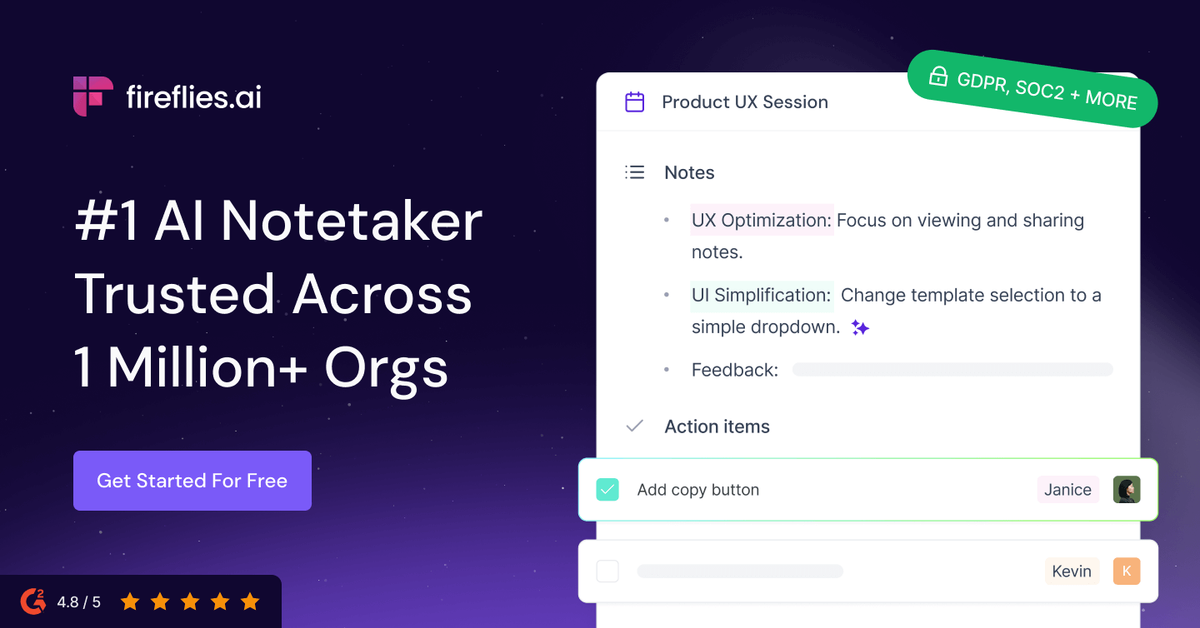
Pick this one when the notes have to end up somewhere else without anyone copying them across: Salesforce, HubSpot, Slack, Notion and a long tail beyond. Search across the whole call archive earns its keep once a few months have built up.
Visit Fireflies.aiOtter.ai
Best for in-personThe strongest live transcript, and the best phone app
Still the best way to follow a transcript as it happens, or to capture a conversation across a table instead of a video call. The mobile app is the reason to pick it over anything else here.
Visit Otter.aitl;dv
Best for researchClips and cross-meeting reports for product and research teams
The interesting part is what happens after the call: timestamped highlights, clips you can paste into Slack, and reports that answer one question across many meetings at once. Good for pulling patterns out of a month of customer conversations.
Visit tl;dv