Collection №18 — Updated 9 August 2026
The 5 best AI coding assistants in 2026
These tools split on how much you hand over. Completion finishes the line you are typing; an agent takes a written task, edits files across the repo, and runs commands. The second split is where the assistant lives: in a dedicated editor, in the terminal, or inside the editor and GitHub account you already have. Settle both before comparing features.
| Tool | Type | Cost | Verdict |
|---|---|---|---|
| AI code editor | Free | ★ Best overall | |
| Editor extension | Free | Easiest to adopt | |
| Terminal agent | Paid | Best terminal agent | |
| Agentic editor | Free | Best Cursor alternative | |
| Open-source CLI | Free | Best open source |
Cursor
★ Best overallA VS Code fork with completion and an agent built in

A fork of VS Code, so your extensions and keybindings carry over on day one. The autocomplete predicts your next edit across the file, and the agent mode takes a written task and works through the repo on its own. For a small team picking one tool to standardise on, start here.
Visit CursorGitHub Copilot
Easiest to adoptAI completion and PR review inside the tools you already use
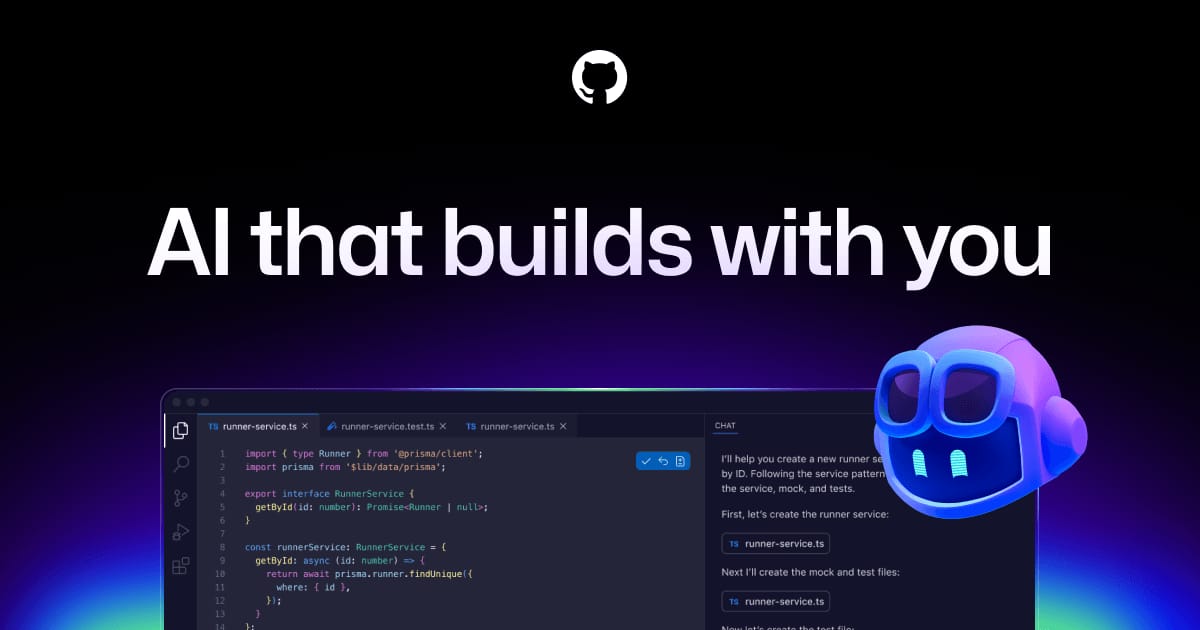
It is an extension for the editor you already run: VS Code, JetBrains, and more. The free tier is enough to find out whether AI completion suits how you work. Because GitHub owns it, it also reviews pull requests where they already live. If you will not switch editors, this is the one.
Visit GitHub CopilotClaude Code
Best terminal agentAnthropic's agent takes a task and works your repo from the terminal

Anthropic's agent runs in the terminal, next to whatever editor you use. Give it a task and it reads the repo, edits files, and runs commands and tests as it goes. There is no free tier. Pick it for work you want to hand off whole, like a refactor or a scripted chore.
Visit Claude CodeWindsurf
Best Cursor alternativeThe other agentic editor, with Cascade tracking your changes
Built by the company formerly called Codeium, and now owned by Cognition, the company behind the Devin agent. Its Cascade agent tracks what you and it have each changed, so follow-up requests land with context already loaded. Shortlist it next to Cursor and choose on feel; the two are close.
Visit WindsurfAider
Best open sourceOpen-source pair programming in the terminal, on your own API key
Open source and terminal-based. You bring an API key, choose the model, and pay the provider directly with nothing in between. Every change it makes lands as a git commit, so undoing an agent mistake is one revert. More setup than the others, and more control; developers who live in the terminal pick it.
Visit AiderFrequently asked questions
Is Cursor better than GitHub Copilot?
They take different routes to the same job. Cursor is its own editor, a fork of VS Code, with completion and an agent built in, and teams that want the deepest integration switch to it. GitHub Copilot is an extension that adds AI to the editor you already run and reviews pull requests on GitHub, so it wins when you do not want to change tools.
What is the best free AI coding assistant?
GitHub Copilot's free tier works inside VS Code and JetBrains, which makes it the easiest free start. Cursor and Windsurf both have free plans for their editors. Aider is free, open-source software; you supply an API key and pay the model provider for what you use.
Can an AI coding assistant write code by itself?
Within limits, yes. Claude Code and Aider take a task in the terminal and work through the repository on their own, while Cursor and Windsurf have agent modes that do the same inside their editors. They are most reliable on scoped work like a bug fix or a small feature, and you still review every change.