WritersLock Review: The Journaling App That Locks Your Doomscrolling Apps Until You Write
Most app blockers fail because you can switch them off. WritersLock ties the unlock to something better: your distracting apps stay locked until today’s journal entry is written. Write first and the phone opens up. Skip the writing and the feeds stay shut.
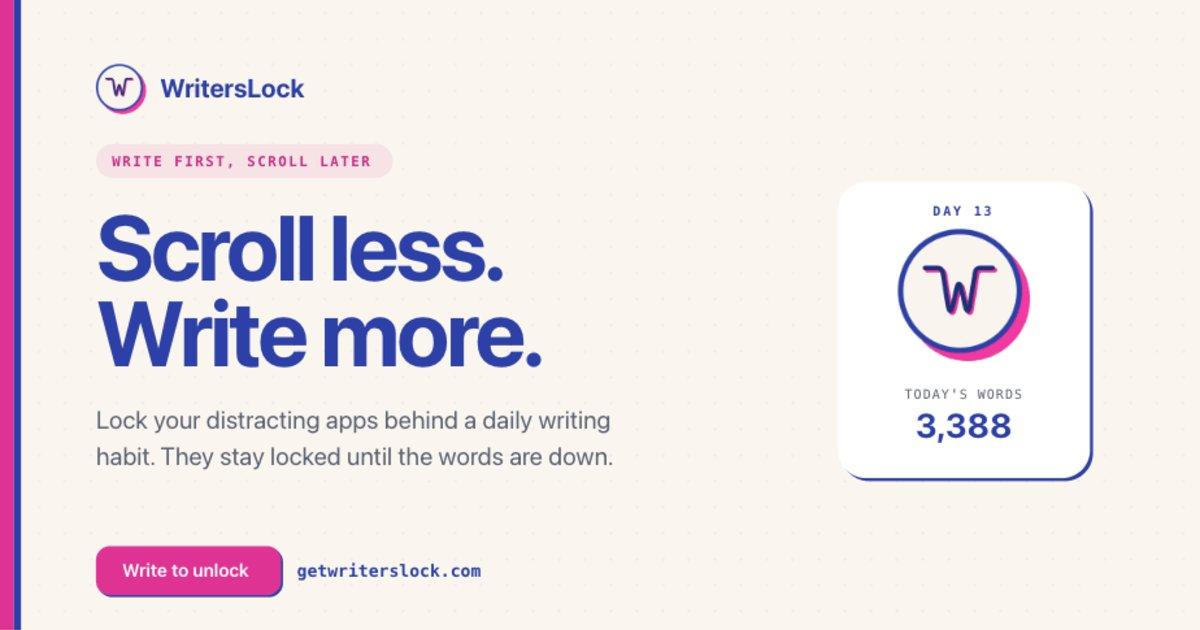
App blockers tend to fail the same way: three days in, you hit the disable button, and the experiment is over. The blocker asks you to give something up and offers nothing back. WritersLock makes a smarter trade. Your distracting apps stay locked until you’ve written today’s journal entry — and the moment the words are down, everything unlocks for the rest of the day. Willpower stops being the mechanism. The habit is.
What is WritersLock?
WritersLock is a journaling app for iPhone and Android with an app blocker built into its core loop. You pick which apps distract you — for most people that’s two or three social feeds, not the whole phone — and choose the writing times when the locks should hold: morning, midday, night, or all three. During those windows, the only way past your blocked apps is to finish today’s entry and hit your word goal. Then the locks open until tomorrow.
That inversion sounds small, but it changes the psychology completely. Instead of your phone punishing you, it’s holding a reward. One reviewer on Google Play put it perfectly: "I forget about the app I was trying to open." The reach-for-the-feed reflex gets intercepted and pointed somewhere useful.
Four modes, so there’s no blank-page excuse
Free journal
A clean, distraction-free editor for whatever’s on your mind. Hit your word goal, unlock your day.
Gratitude log
The lowest-friction mode — a few genuine lines count. Ideal for the days when a full entry feels like too much.
Dream diary
Capture dreams before the feed erases them. WritersLock’s site even ships a dream dictionary as a companion.
Guided prompts
A fresh prompt every morning for the days you don’t feel like writing. This is the mode that saves streaks.
The streak system — entries, word counts, and a rolling 7-day view — does what streak systems should: it makes progress visible without turning the app into a slot machine. And when life happens, vacation mode pauses the locks entirely. The developers clearly understand that a habit tool built on punishment eventually gets deleted; WritersLock is structured around small, repeatable wins instead.
Privacy: your words never leave your phone
This matters more for a journaling app than almost any other category, and WritersLock gets it right. Entry content stays on your device — full stop. The app only ever sees anonymous metadata: word count, duration, streak, and which mode you used. On iPhone the blocking runs through Apple’s Screen Time framework and on Android through usage access, and in both cases your list of blocked apps stays private to the device too. In a category where the obvious business model is mining your most personal writing, that is worth paying for.
Pricing
WritersLock is a subscription with a 3-day free trial — no payment up front, cancel anytime. The annual plan works out to a few dollars a month, with monthly billing also available. There’s even a "buy for a friend" option, which tells you something about how people feel after using it. The app currently holds a 5.0 rating on the App Store.
The extras that show the craft
Habit apps live or die on the details, and WritersLock’s orbit is unusually well stocked. The site ships a full dream dictionary as a companion to the dream diary, a library of 200+ journal prompts sorted by mood and goal for the days the blank page wins, and a useful blog — including a science-backed guide to why your brain craves the scroll and nine research-backed tactics for breaking it. There’s even a "buy for a friend" gift option, which says a lot about how people feel after a few weeks of unlocked mornings. None of this is filler; it’s the supporting cast a daily writing practice needs.
Who it’s for
WritersLock fits anyone whose screen-time report stings: the would-be journaler who loses every morning to the feed, the writer trying to turn "someday" into a daily practice, the dream journaler racing the forgetting curve, and the gratitude-list convert who needs the habit to survive week two. If you already write daily without help, you don’t need it. This is a tool for the gap between intending to write and writing. Most of us live in that gap.
What could be better
Two things to know before you buy. There is no lifetime purchase, so if subscriptions put you off, this will not change your mind, though the annual price is fair for something you will touch every day. And granting Screen Time or usage-access permissions feels invasive the first time, even though WritersLock handles them as privately as the platforms allow.
Verdict
Calling WritersLock an app blocker undersells it. It is a writing habit with teeth. If you have wanted to journal for years and lost every morning to the feed, this is the most effective nudge in the category: the scroll is still there, it just costs a page of writing first.
What we loved
- ✓ The lock-until-you-write loop attacks the doomscrolling habit at its root
- ✓ Per-app blocking — the rest of your phone keeps working
- ✓ Four writing modes plus a fresh guided prompt every morning
- ✓ Entries never leave your device; only anonymous metadata is synced
- ✓ Works on both iPhone (Screen Time) and Android (usage access)
- ✓ Vacation mode keeps the habit humane
Worth knowing
- → Subscription-only — there’s no one-time purchase option
- → Granting Screen Time / usage-access permissions takes a leap of faith the first time (though your app choices stay on-device)
Bottom line
4.8/ 5The rare habit app where the mechanism matches the goal. If doomscrolling is eating your writing time, WritersLock is the fix we’d recommend first.
Visit WritersLock →Reviewed independently by our editors as part of the Tiny Startups review programme.
More reviews
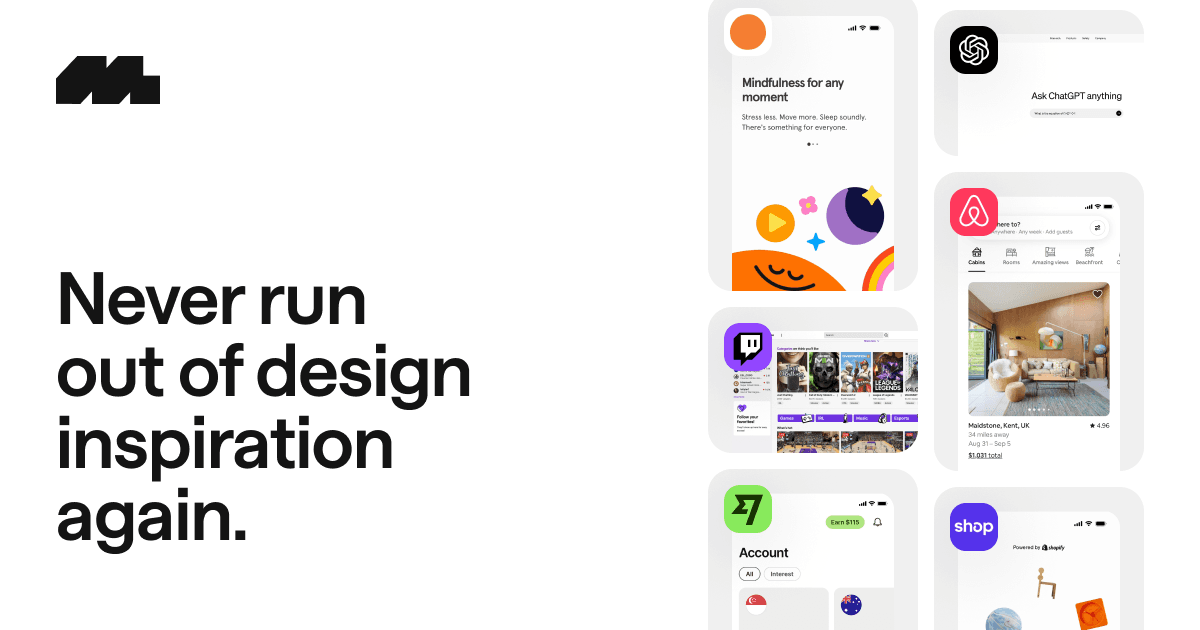
Mobbin Review: The UI/UX Reference Library That Replaced Our Screenshot Folders
PressWhisper Review: Press Coverage Without the PR Agency Retainer
Human Benchmark Review: The Reaction Time & Memory Test Site That Became the Internet's Cognitive Gym
delphitools Review: 50+ Free Privacy-First Browser Tools That Never Phone Home
InnerVeda Review: An AI Dosha Quiz That Works Like a Consultation
WebViewGold Review: Convert Your Website Into iOS and Android Apps Without Writing Code
FoxAI Review: SEO Content on Autopilot — Built to Rank on Google and Get Cited by ChatGPT
QREasy Review: Your Whole Business in One Apple or Google Wallet Card
Dropday.ai Review: The Discovery Engine That Tracks AI Builds From First Demo to Real Product
Building something yourself?
Launch it on Tiny Startups — get in front of thousands of early adopters, and into the pages Google and AI search engines crawl when people look for tools like yours.
Submit your startup →